 GrainZap Team
Great products feel effortless to use. That ease is not luck. It comes from a design process that starts with real users and ends with a clear handoff to developers. Here are the seven steps of a practical UI/UX design process.
Key takeaways
- UX shapes how a product works; UI shapes how it looks and feels.
- Research and wireframes save expensive changes later in development.
- Test with real users before you build, not after.
UI vs UX: what is the difference?
UX (user experience) is how a product works: the journey, structure and ease of completing tasks. UI (user interface) is how it looks: layout, colour, typography and components. Both matter, and they work best together.
Step 1: Research
Understand the business goals, the users and the competition. Talk to real users about what they need and where they struggle today.
Step 2: Define users and goals
Summarise research into user personas and the key tasks each person needs to complete. Agree what success looks like, such as more sign-ups or fewer support calls.
Step 3: Map user flows and information architecture
Plan how users move through the product and how content is organised. This is where confusing journeys are fixed cheaply, before anything is designed in detail.
Step 4: Wireframes
Simple, low-detail layouts show what goes on each screen without visual distraction. They make it easy to discuss structure and change direction quickly.
Step 5: Visual design
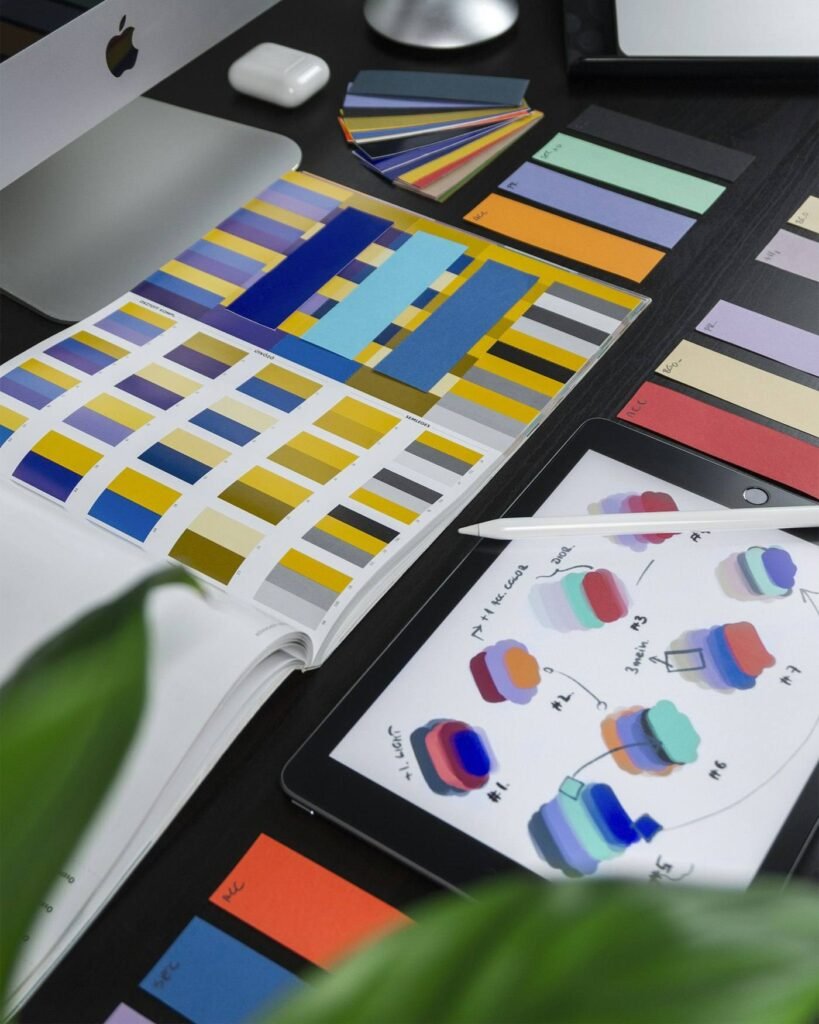
Apply your brand: colour, typography, imagery and components. A design system keeps everything consistent and speeds up future work.
Step 6: Prototyping and usability testing
Turn designs into a clickable prototype and watch real users try key tasks. Where they hesitate or get lost shows what to improve. Fixing these issues now is far cheaper than after development.
Step 7: Developer handoff and support
Share organised design files, specifications and assets with developers, and stay involved during development to answer questions and review the build.
Common design mistakes businesses make
- Skipping research and designing from assumptions
- Choosing visuals before solving the user journey
- Too many features on one screen
- Ignoring mobile users
- No testing until after launch
How the UI/UX design process affects business results
Clear design reduces drop-offs, support requests and development rework. For apps, a good first experience improves retention; see our app onboarding tips. For websites, clear journeys turn more visitors into enquiries.
Design with GrainZap
GrainZap’s design team covers brand identity, UI/UX design, website and web app design, and design systems. Explore our design services, see our portfolio or talk to us about your product. Building a first version? Read our MVP guide.
Further reading: research-based UX articles from Nielsen Norman Group.
Frequently asked questions
How long does the UI/UX design process take?
It depends on scope. A focused website or MVP might take a few weeks; a complex product takes longer.
Do I need UX research for a small project?
Even a few user conversations and a quick prototype test can prevent costly mistakes.
What tools do designers use?
Figma is widely used for wireframes, visual design and prototypes, alongside research and testing tools.